Kill the plastic
AI portrait generations.
Every image model ships the same look: glass skin, golden glow, painted blush, studio-perfect speculars. This skill turns any photo or render into an unretouched, straight-out-of-camera file — pores, sensor grain, real light — while your product's label stays pixel-faithful.
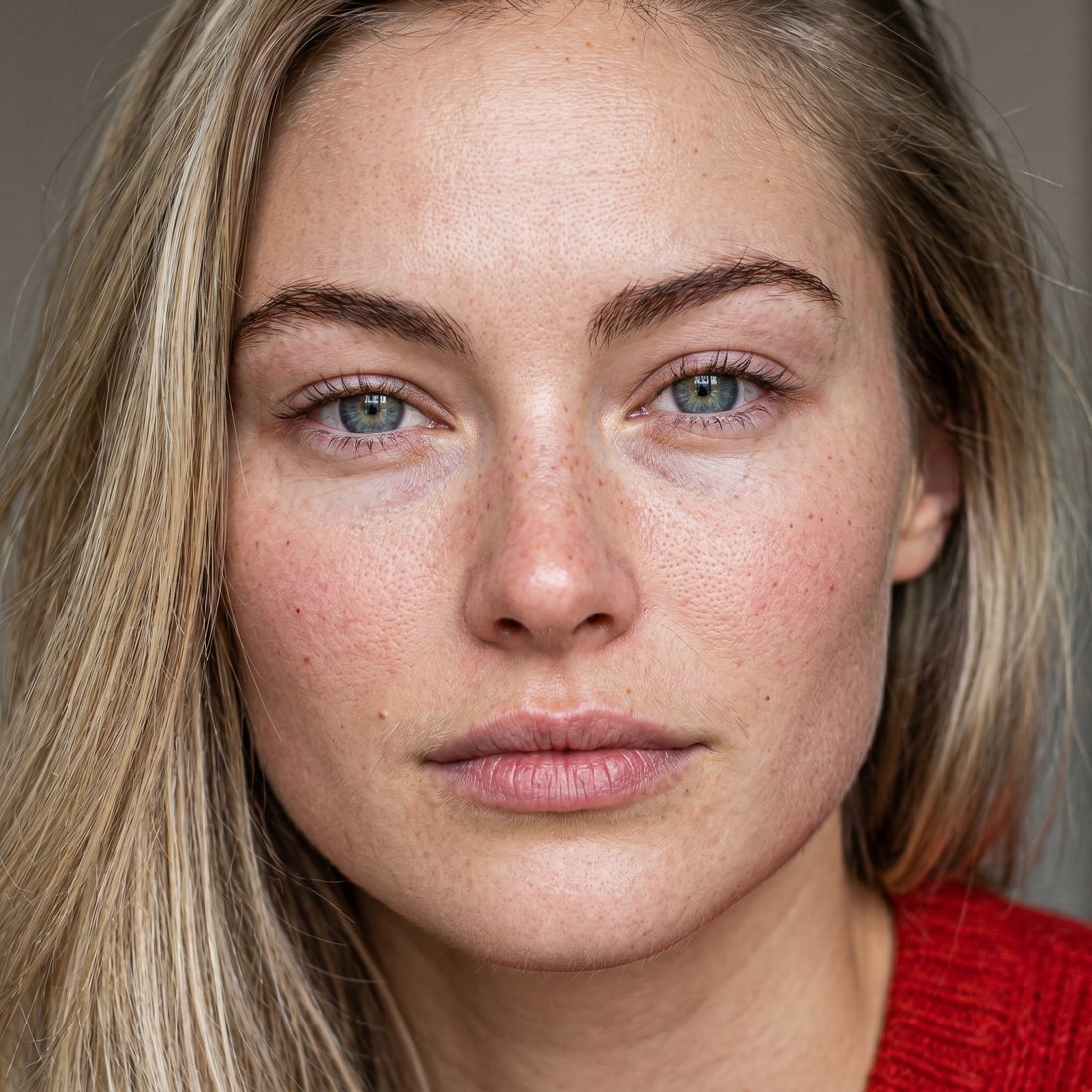
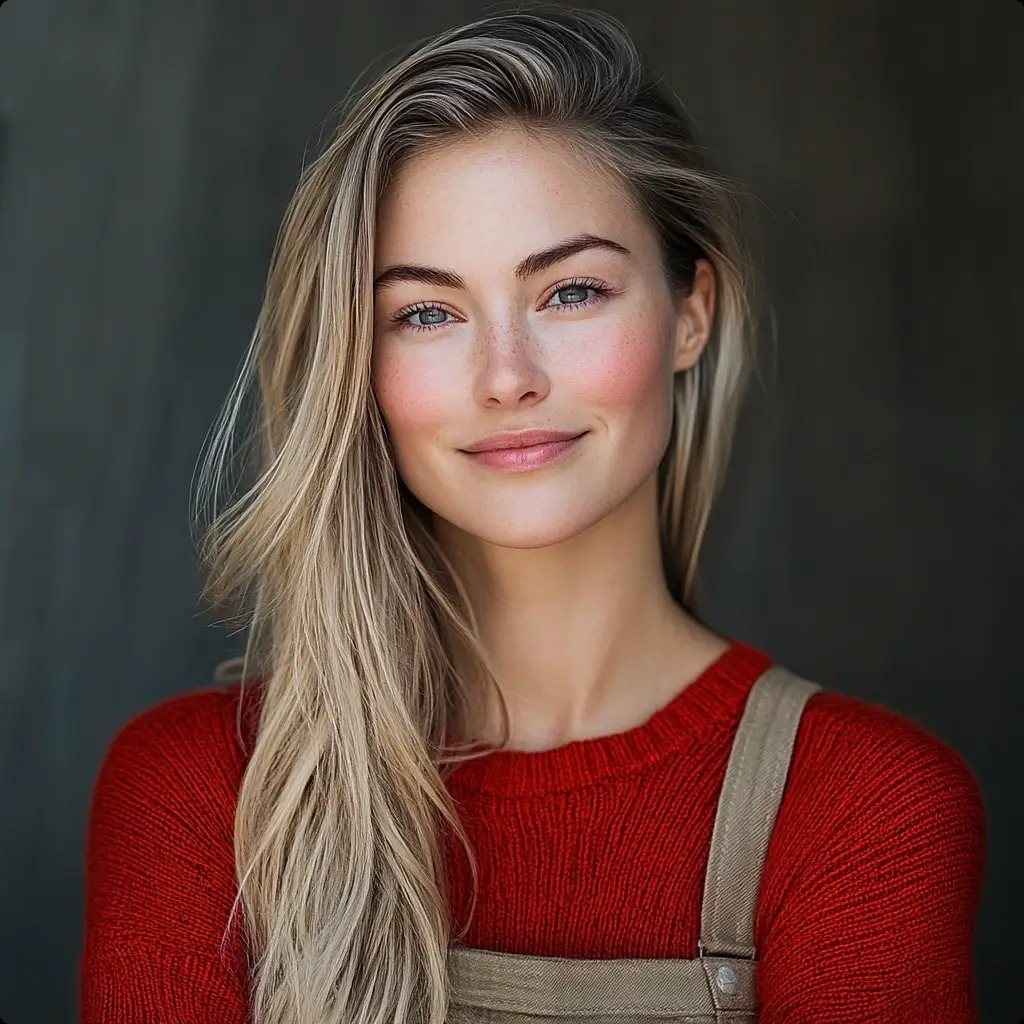
How it works
The skill runs a style called Raw Camera Casting Realism: realism produced by physical evidence, not by the word "photorealistic".
Drop in any image
A render, a model shot, a product photo, even a layered PSD — the skill flattens, classifies it, and reads what needs to change.
Evidence-first prompt
One paragraph engineered per image: which artifacts to kill (blush, glow, gloss) and which physical evidence to build in. Smooth renders get transformation-first structure so texture wins over similarity.
ProductAI MCP
Runs image-to-image on nanobananapro through your ProductAI connector. No other generator, no manual uploads — Claude drives the whole call.
Zoom check
Results get inspected at 100% — skin texture must survive the crop, and product labels are verified character-for-character against the reference.
The realism stack
- visible pores curving with face geometry
- fine vellus hair catching side light
- irregular natural flushing, not painted blush
- under-eye texture, faint creases, discoloration
- vertical lip lines, dry patches, muted color
- stray brow hairs breaking the perfect arch
- flyaways, frizz, baby hairs at the hairline
- sensor grain at moderate ISO, shadow noise
- slightly imperfect white balance, room cast
- wool fibers, pilling, loose threads on knits
- fingerprints, dust, micro-scratches on products
- soft overcast window light, real shadows
Imperfections go on the scene. Never on the label.
When a product is in frame, its packaging shape, label layout, typography, logo placement, and brand colors are locked to the reference — crisp, undistorted, fully legible, inside the sharp focal plane. Wear and realism land around it: a fingerprint where a hand grips, dust on upward faces, real contact shadows. After generation, the label is verified against the original before anything ships.
Running in two minutes
- Download the .skill file and open it in Claude — hit Save skill.
- Connect the ProductAI MCP in Claude's connector settings.
- Upload any image and say "make this a realistic shot". The skill handles conversion, prompting, generation, and the zoom check.
- Iterate by clause — "more grain", "less frizz", "cooler light" — the skill edits only that part of the prompt and re-runs.
Requirements
- · Claude (claude.ai, desktop, or Code)
- · ProductAI account + MCP connector — productai.photo
- · Generation uses ProductAI credits (1 per variant)